


Easily crop any fragment of an MP3 file
Many times we'll find an MP3 file that we really like, but we only want a part of it to use it for something specific, like a mobile phone polyphonic ringtone. In these cases, before we start searching through programs with an incredible amount of functions, we will save a lot of time by downloading MP3 Knife.
Cut and crop MP3 files
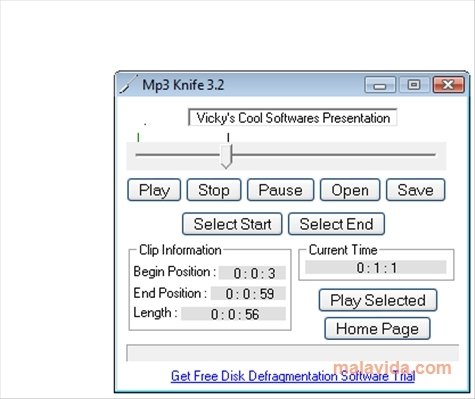
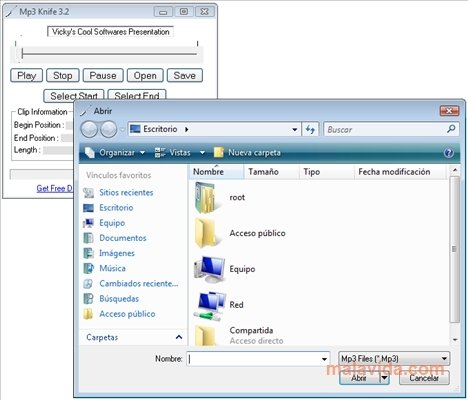
This small program allows us to open a file in MP3 format, start to play it and all we have to do when the fragment that we want to crop starts is to press the “Select Start” button and as soon as it reaches the end of the piece we have to press “Select End”. Once this is done, we simply have to save the file wherever we want, with the name that we want and we'll have a brilliant music clip perfectly generated.
With MP3 Knife we'll easily have a polyphonic ringtone for our mobile phone, the MP3 parts that we need to include on a video, or a chapter of an audio book, thanks to its simple interface, on which we'll obtain the appropriate information and that we'll get used to in a matter of seconds.
Requirements and additional information:
 Héctor Hernández
As a technology journalist with over 12 years of experience in the world of software and apps, I have had the opportunity to try all kinds of devices and operating systems over the years. I have done from software or mobile applications reviews...

Antony Peel